Introduction
You might want to create multiple identical objects within your sketch. You can do this by duplicating the same object/objects.
Steps
- Intersect the grab sphere with an object or multiple objects
- Squeeze and hold the grab button
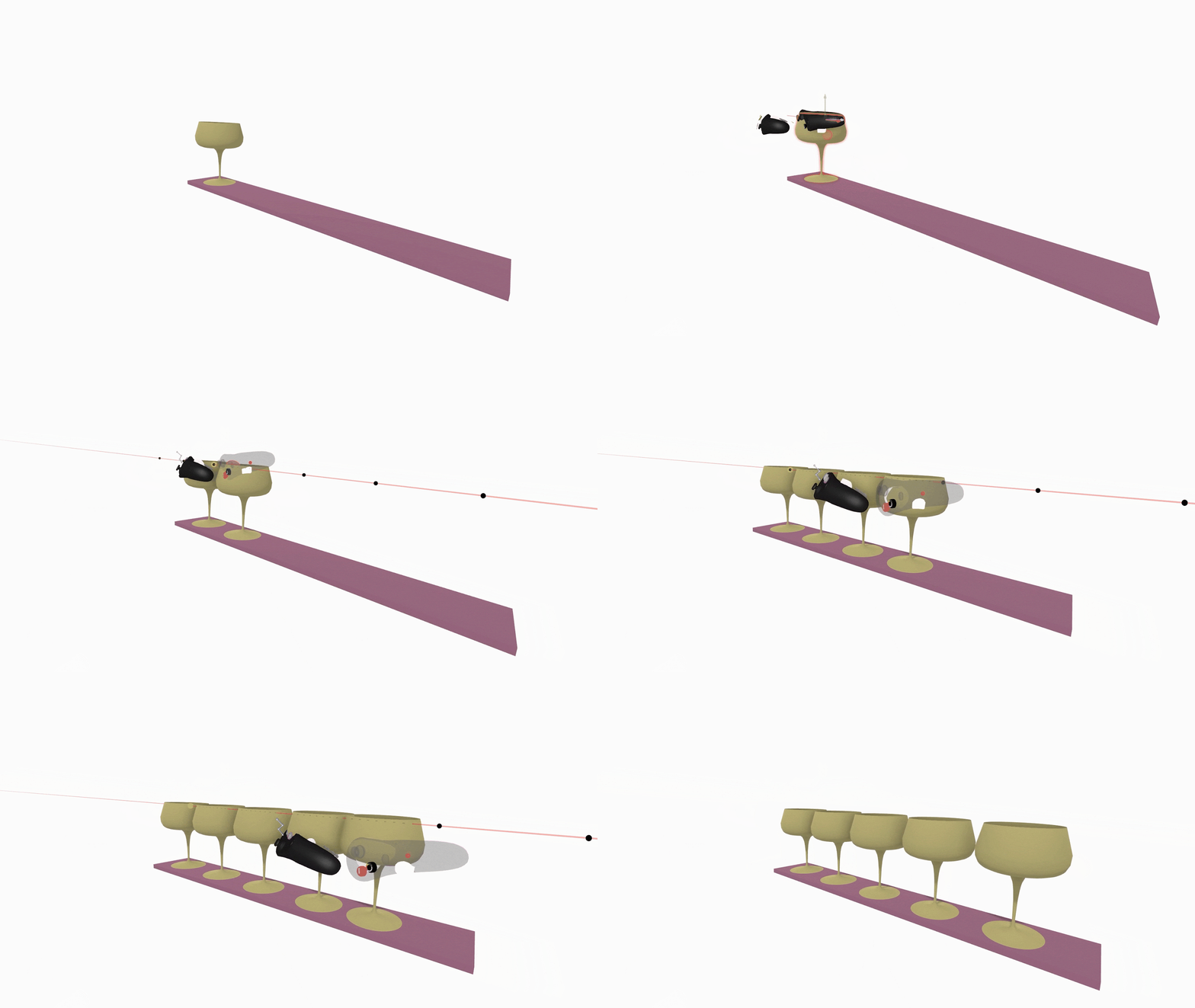
- While holding the object or objects press the front trigger on your drawing hand controller to duplicate selected

To duplicate an object without moving the original, cancel the grab with the non-drawing hand trigger, or simply enable Return after copy on the Settings menu.
Precise Duplication
Use Smart Move for more precise duplication and to duplicate along an array. To duplicate multiple objects along a path press and hold your index trigger then move the object along the path.