
Introduction
Use the Grid to create and move objects between horizontal and vertical points in a very precise manner.
Anything you sketch while using the grid will automatically snap to the grid nodes. This is very useful when creating architectural models and other more rigid designs that need to be laid out perfectly in the environment.
Enable and Activate Grid
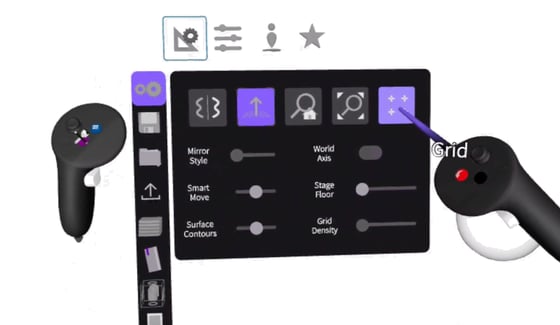
Grid is accessible in Settings. Once enabled you can activate it in the sketch:
- Select the blue menu button
- Go to Settings
- Select Sketching Aid
- Select the Grid button
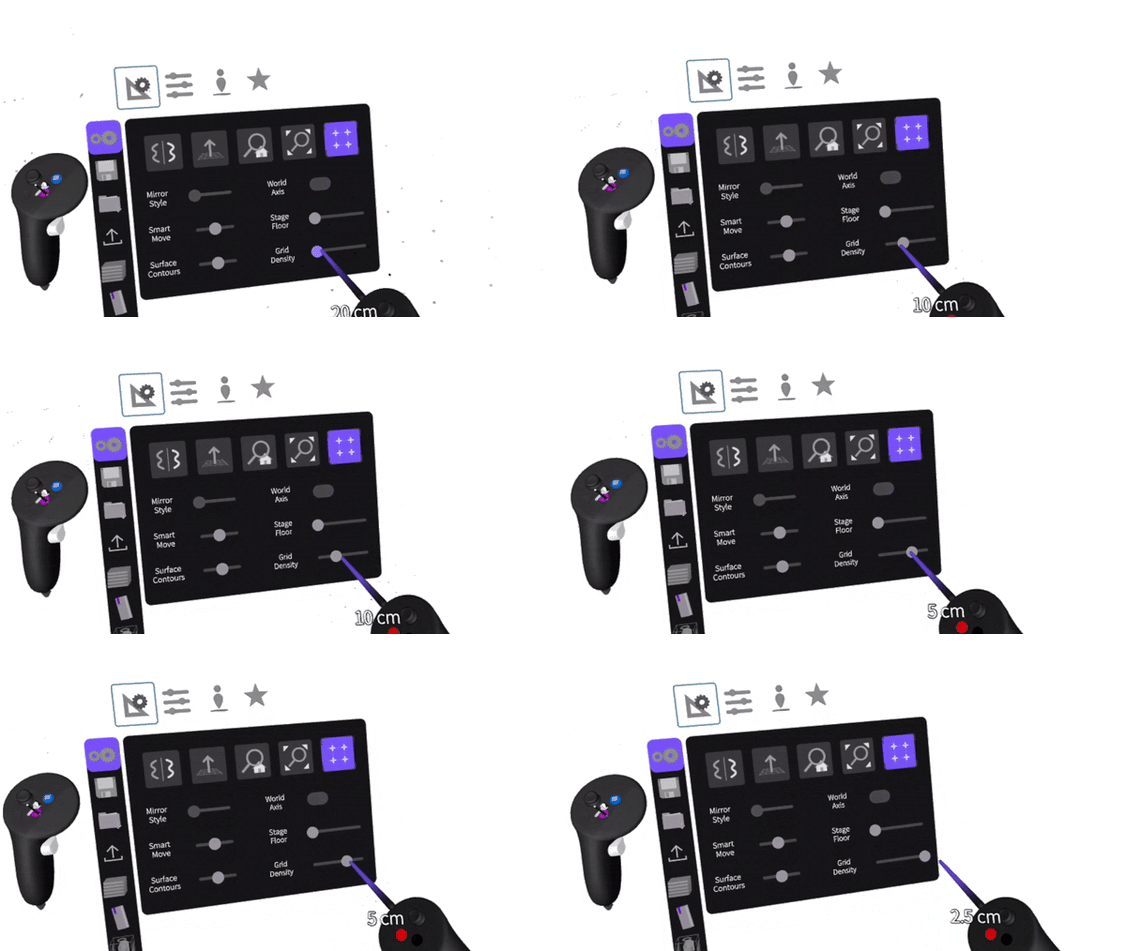
Grid Density
Choose the Grid Density. This will define the spacing between grid nodes.
Use
The Grid will apply to every tool in the Tools Menu so the gestures of using each tool will remain the same.
Examples

Stroke Tool
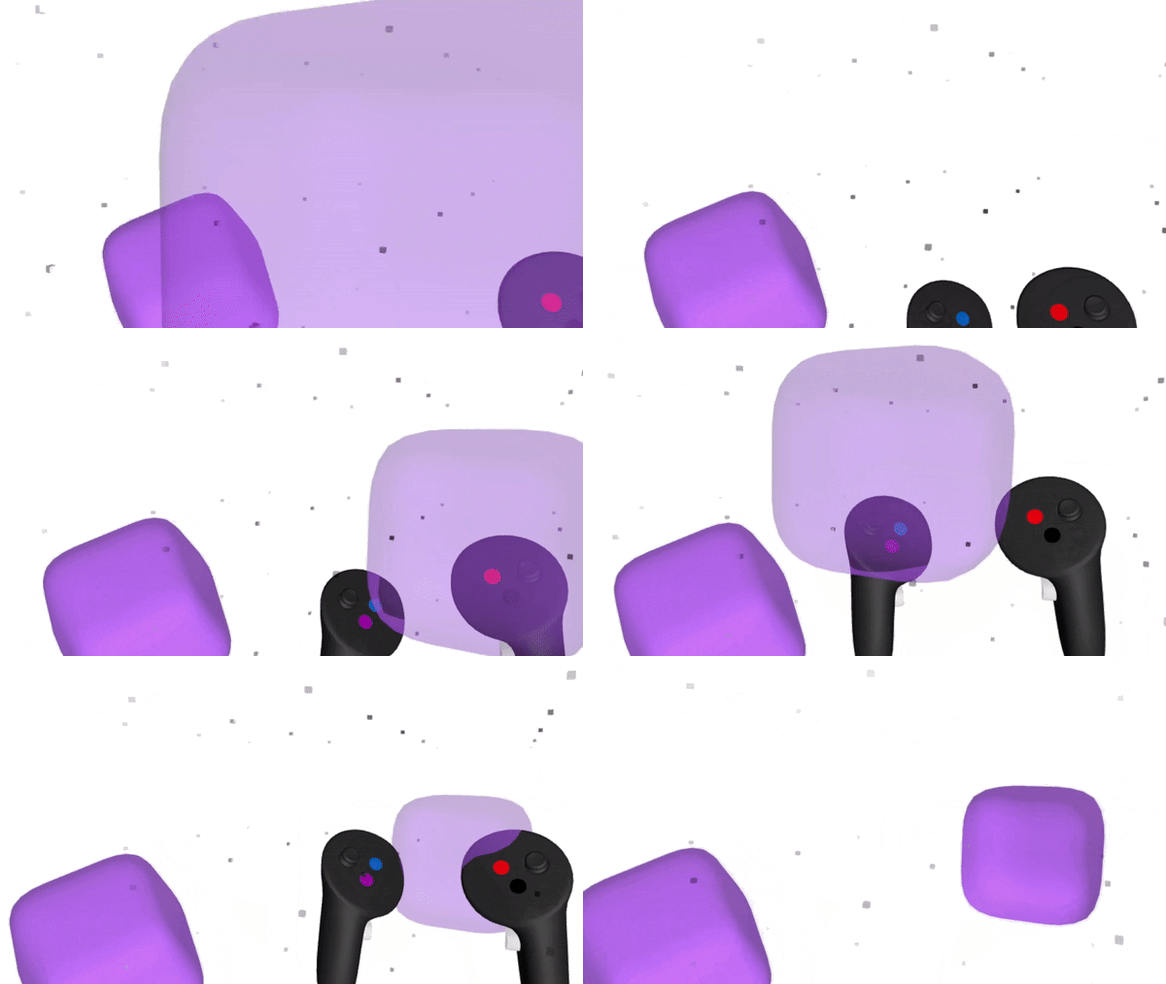
Cube Primitive
When moving objects in the Grid the objects will move by snapping to the closest grid nodes first.